Six steps across two apps
Advisors work in the firm’s CRM, where CogniCor’s AI writer lives, but they email clients from Outlook. The add-in puts the writer in a pane beside the email.

- Open the email
- Open the AI writer in the CRM
- Pick the client
- Wait 45 s to 2 min
- Find the email again
- Draft
- Open the email
- Draft in the pane
Led from pitch to launch
Six groups shaped it along the way.
- Me, with Claude CodeResearch, proposal and a clickable prototype
- PMThe problem
- CEODirection
- Me, with Claude CodeA working prototype, core endpoints only
- Client firm and its advisorsTried it on their own cases
A green light to deploy, and feature ideas for the next version.
- Me, with Claude CodeThe full build, then the pinned-pane rework
- Service ownersSaw each plan first How
A manifest update let the pane stay pinned while composing. The reply decision
- Me, with Claude CodeDev, test, stage and production, plus the listingLive
- QA team2–3 weeks, for scenarios I hadn’t accounted for
- MicrosoftCertification
Rejected once, fixed the next day. The review
- Me, with Claude CodeDesign system and screens in Figma
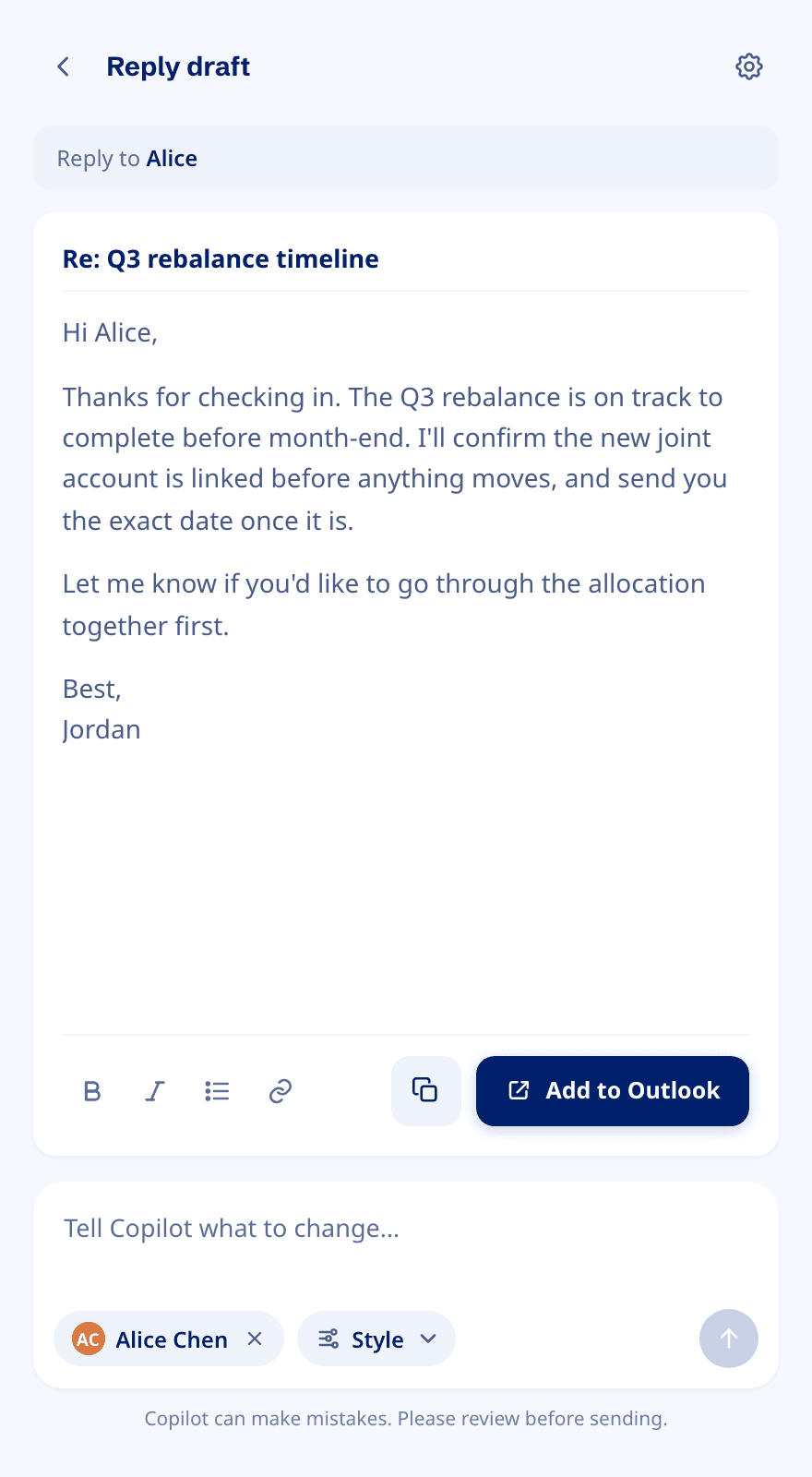
Draft · Light
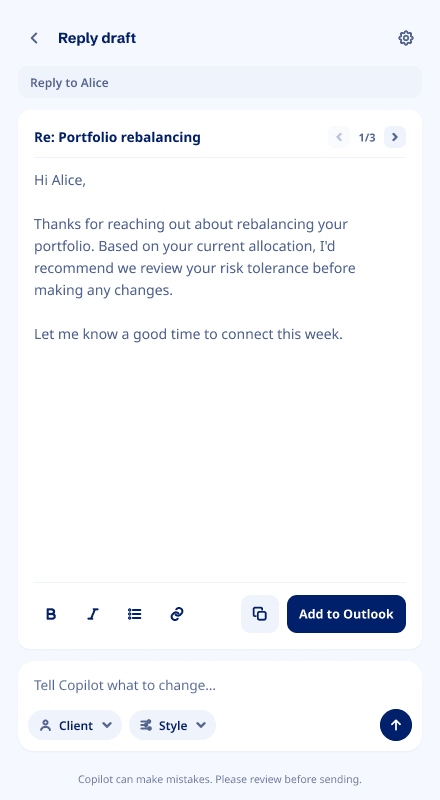
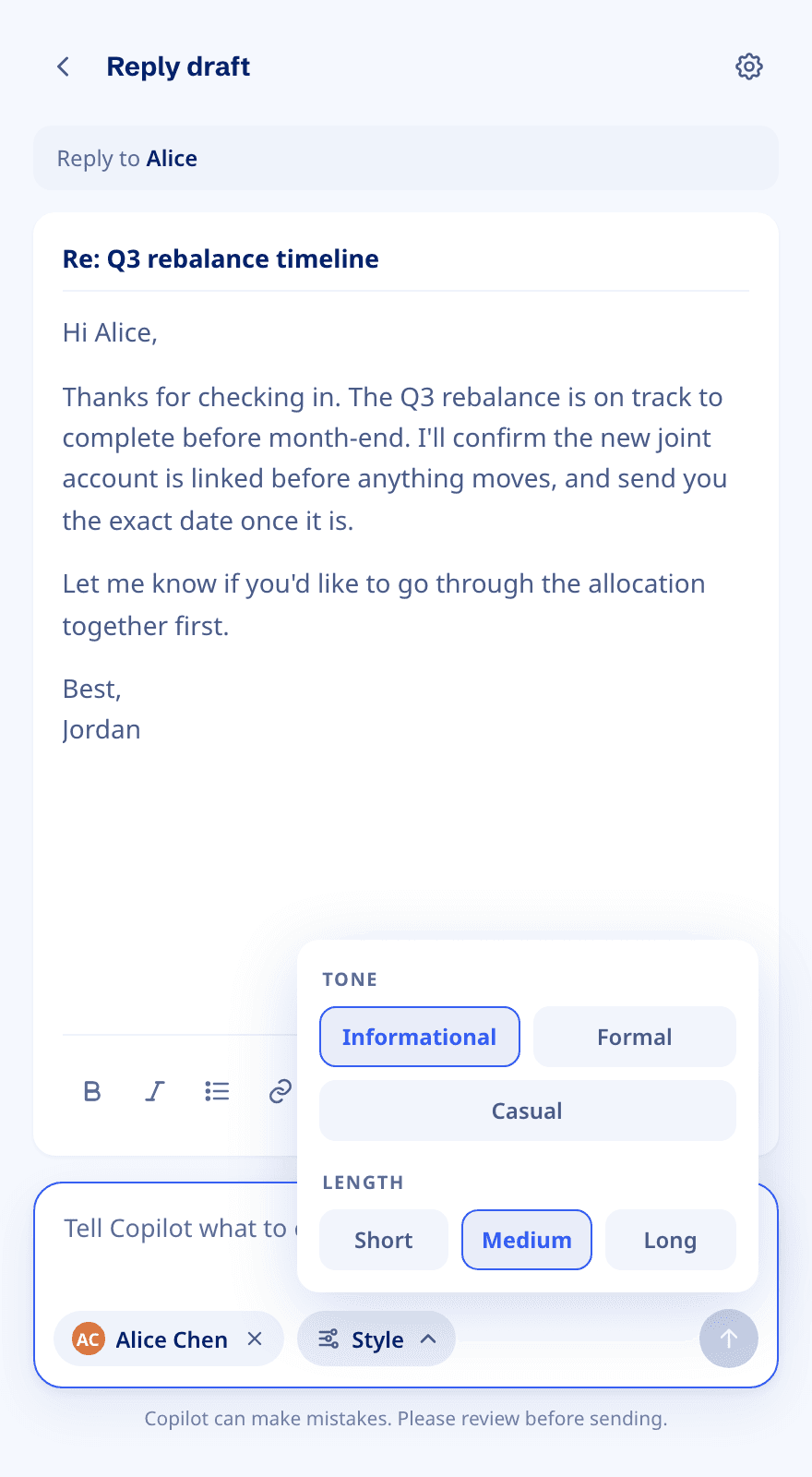
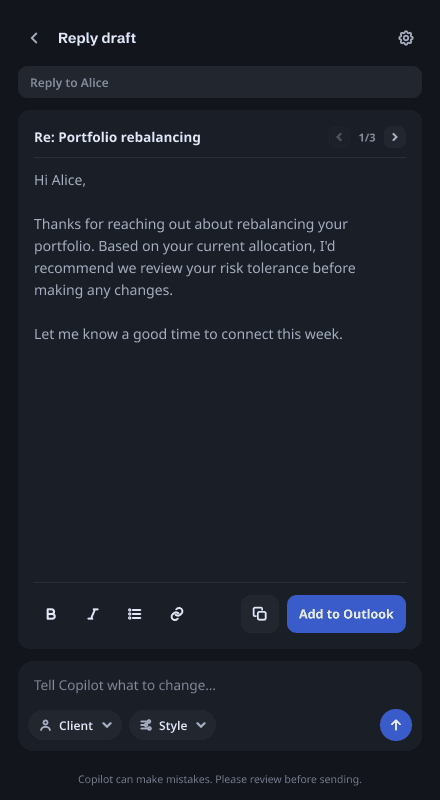
Draft · Dark
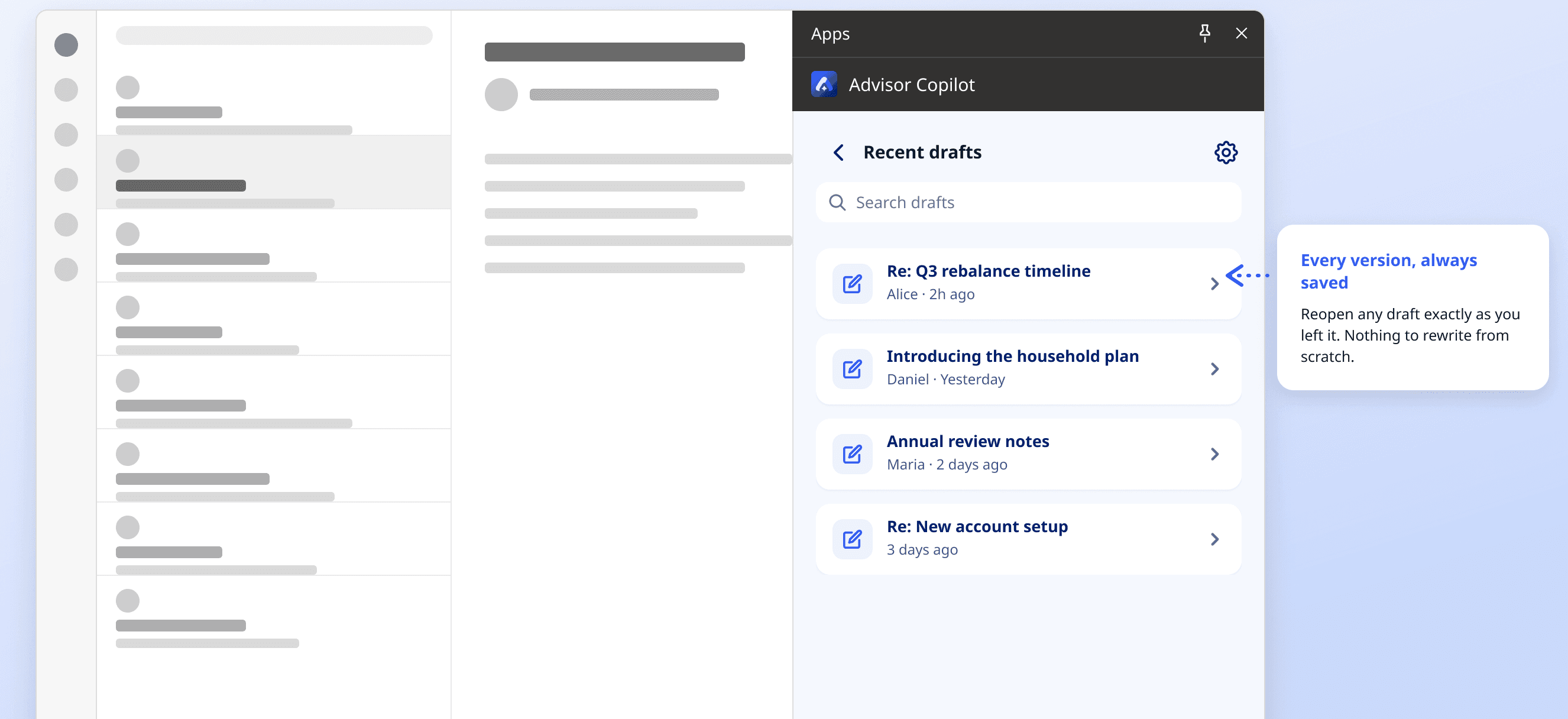
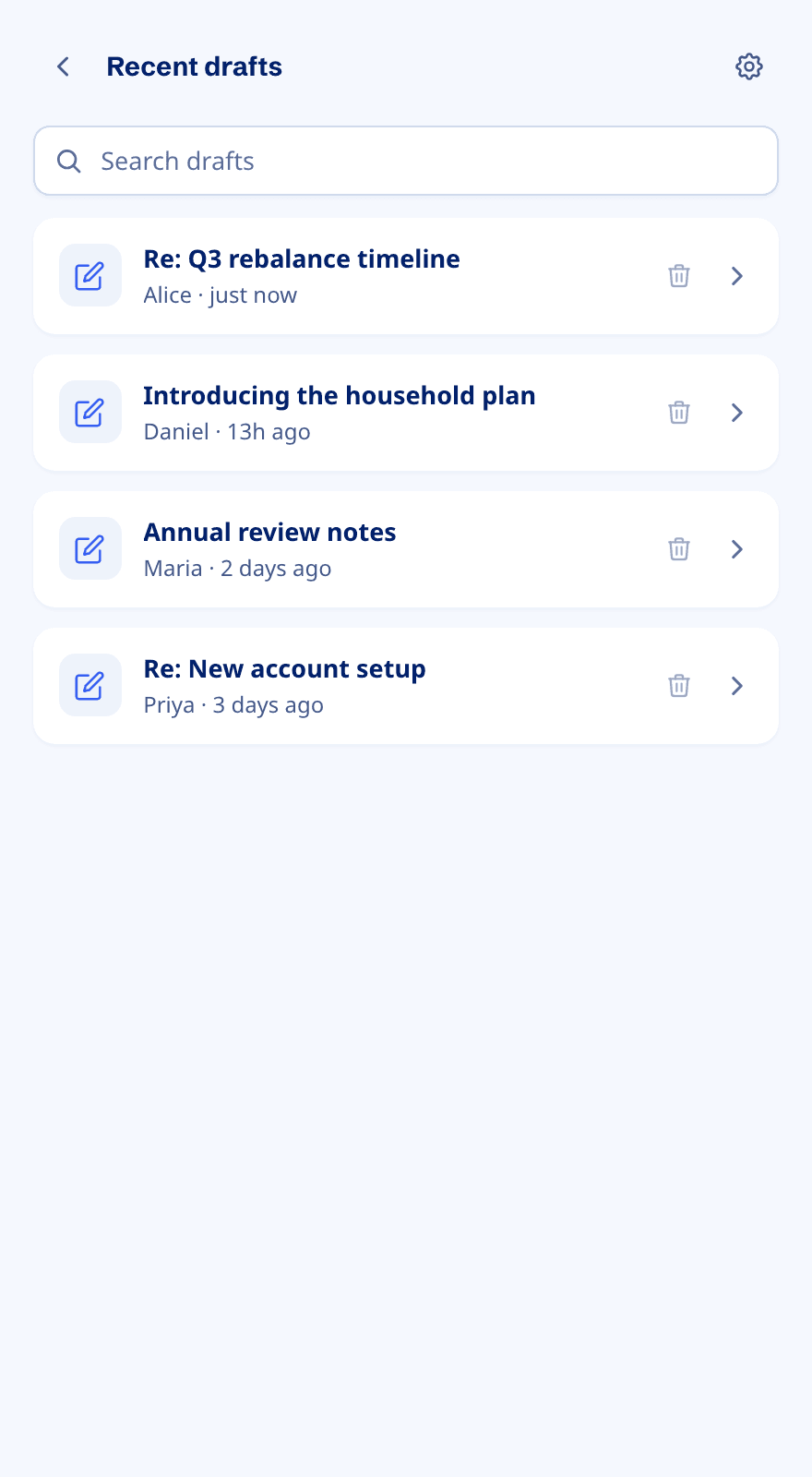
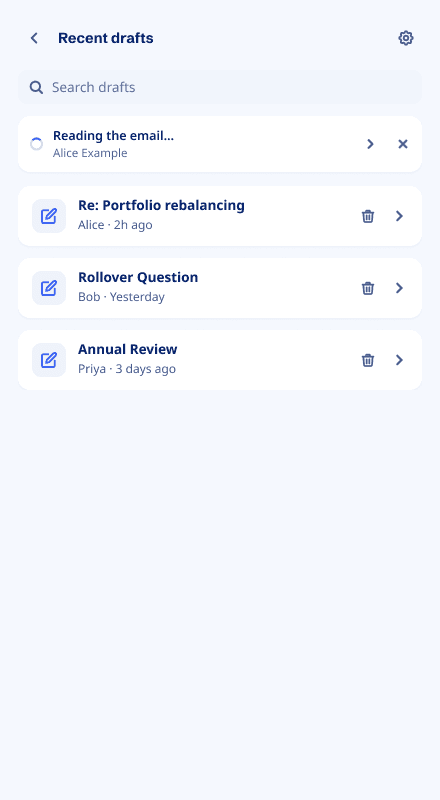
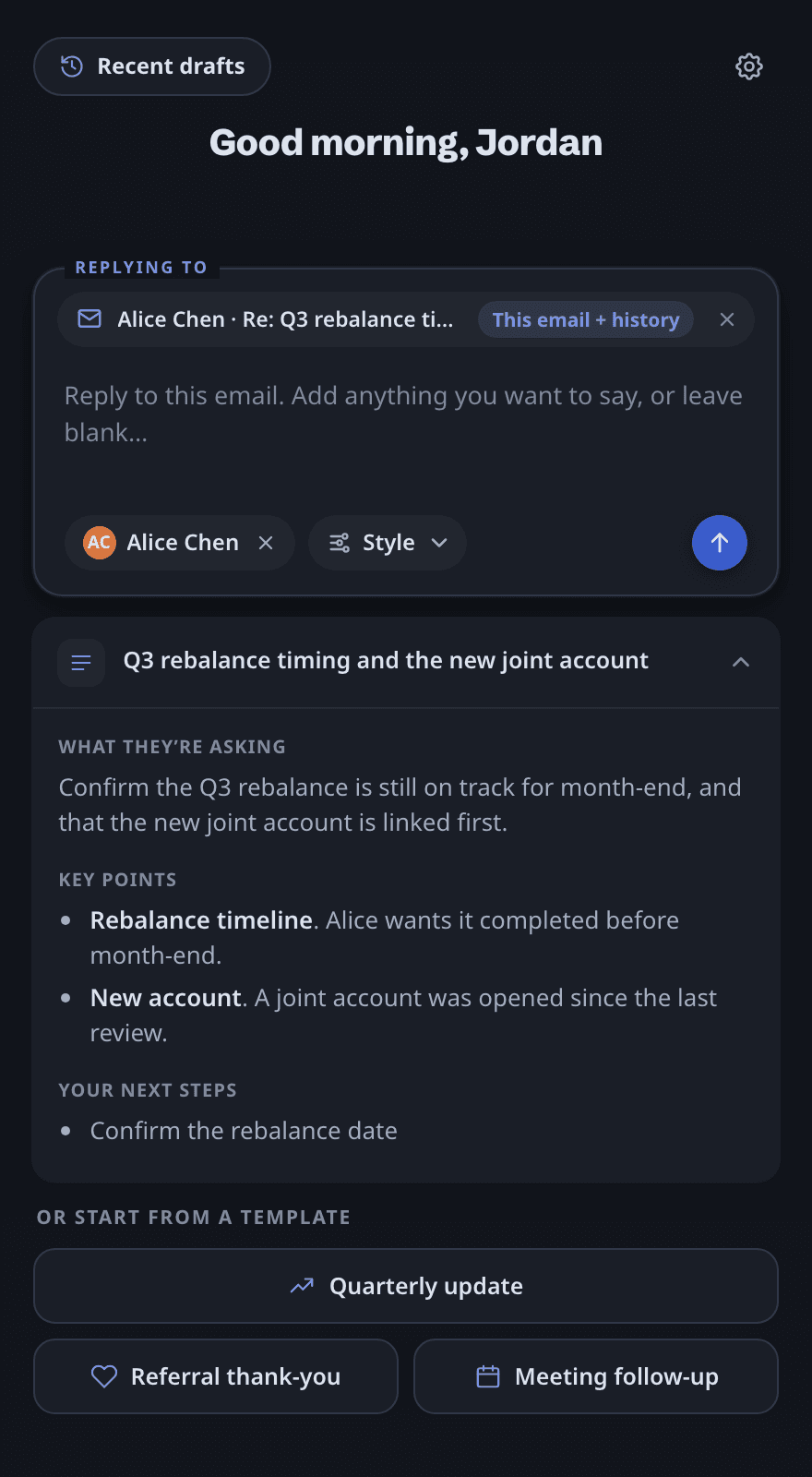
Recent drafts · Light
Removed the wait
In the CRM, advisors waited 45 s to 2 min for client data before they could write. Now the pane finds the client as the thread opens and starts on their data at once. A draft asked early waits in the background, and a notice says when it’s ready.
In the CRM
- Open the AI writer, pick the client
- Preparing client data: 45 s to 2 min, can’t start
- Write the ask
- Draft
In Outlook
- Open the email1Meanwhile: household found, client data prepared in the background
- 2Read the summary, write the ask
- 3Draft4
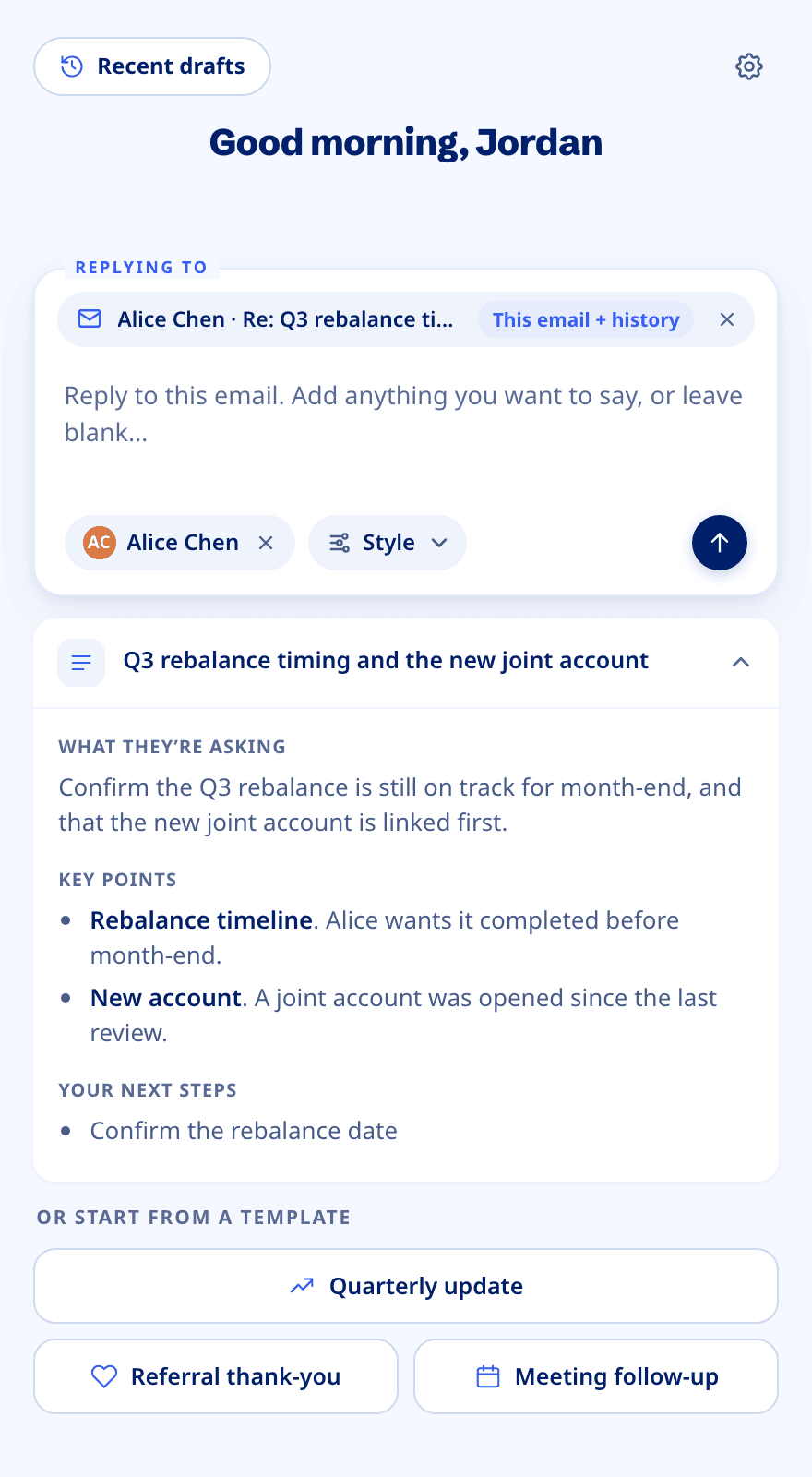
A replay of the Home screen: the client is detected as the thread opens and their data prepared while the advisor summarises the email and writes the ask; the draft waits in the background and a Draft ready notice appears.
1Client found on open
The pane detects the client when the thread opens, and starts preparing their data the moment the household is found.
2Read or summarise meanwhile
By the time the advisor has read the thread or written the ask, the data is ready or well along.
3Drafts wait for the data
Asked for early, a draft waits for the data while the advisor moves around the product. Two can run at once.
4Notified when ready
A Draft ready notice with View, and the draft waits in Recent drafts.
No wrong-client replies
The pane stays open while advisors switch emails. An early version asked where to send a draft, so one wrong click could put a client’s reply in someone else’s thread. I removed the question: a draft only goes back to its own email, and nothing sends automatically.
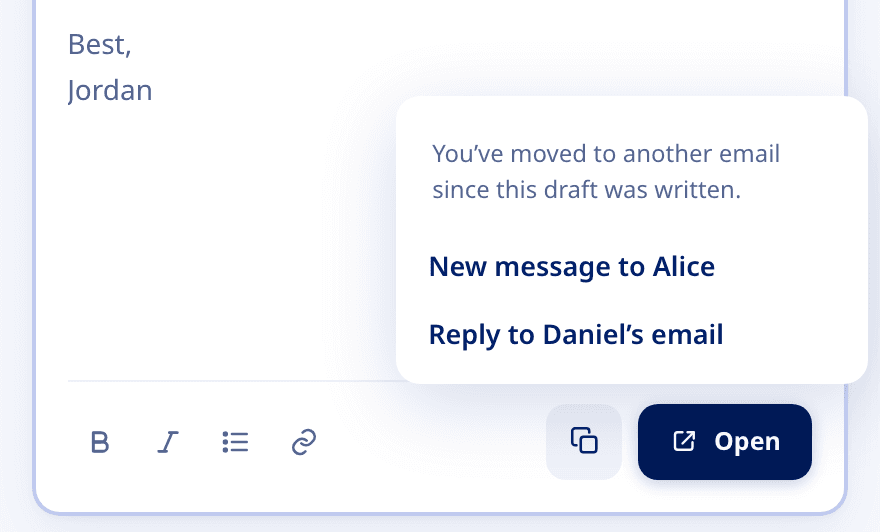
Early version
It asked where to open the draft. Both answers looked the same, and one put Alice’s reply in Daniel’s thread.
Shipped
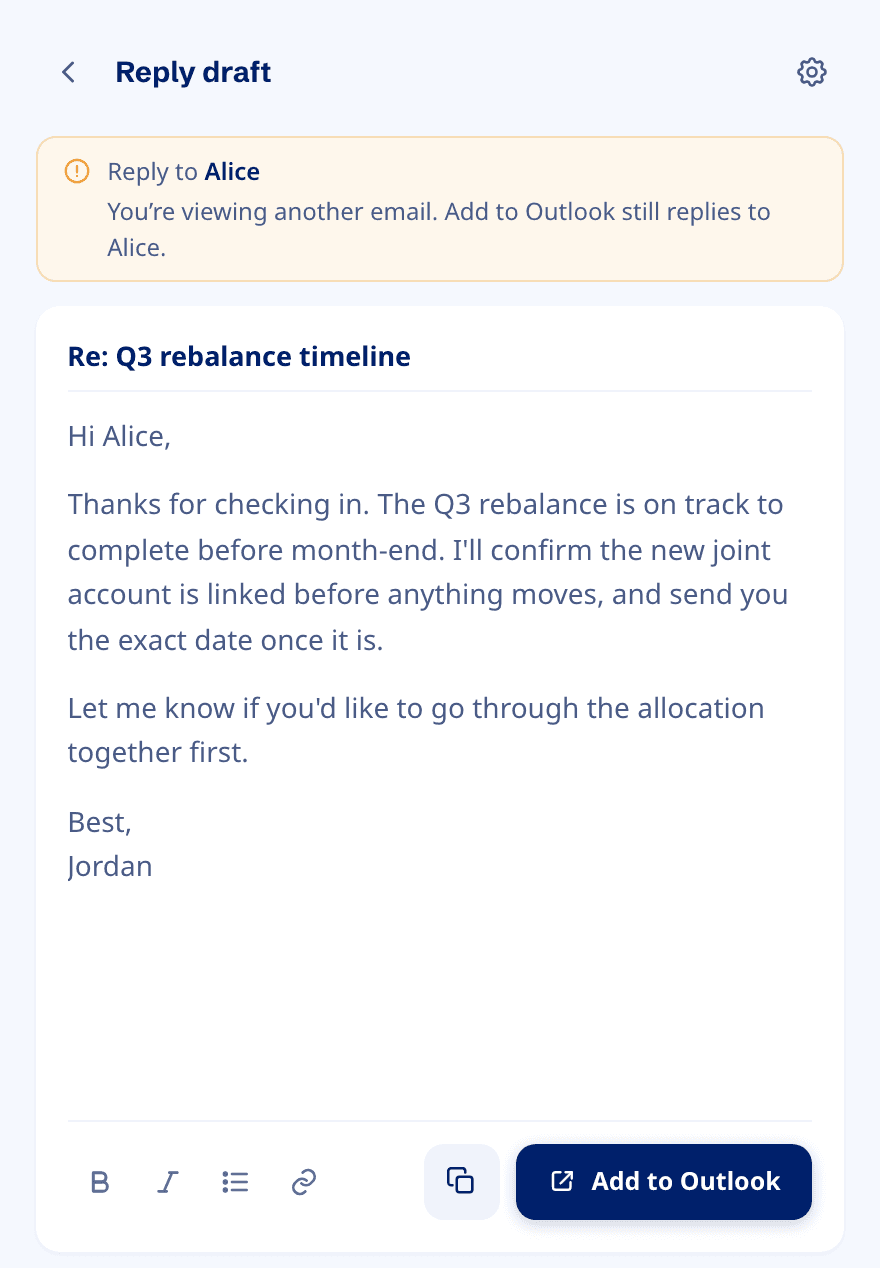
- AThe notice keeps the destination visible. Add to Outlook still replies to Alice.
- BAdd to Outlook takes the first route that works:
- 1Outlook’s reply window if that email is open
- 2A threaded reply if it isn’t
- 3A new message to the original sender as a last resort
Built with Claude Code
I planned every change and Claude Code wrote the code: the whole front end, changes to three shared services, and connections to two more. Each service’s owner saw my plan before I changed their code.
For every change
- 1SpecAPI contracts and every screen state
- 2Written planMy architecture decisions, 31+ plans
- 3Claude Code writes the code
- 4I review and test1,197 automated tests, and a nine-step check before merge
- 5Pull requestTo the team that owns the service
Front endAll new
- React and TypeScript, inside Outlook through Office.js
- Sign-in and CRM connection, including blocked pop-ups and expired sessions
- Rich-text drafts with version history and signatures
- Outlook’s quirks: pop-out windows, its own dark mode, the reply form’s size limit
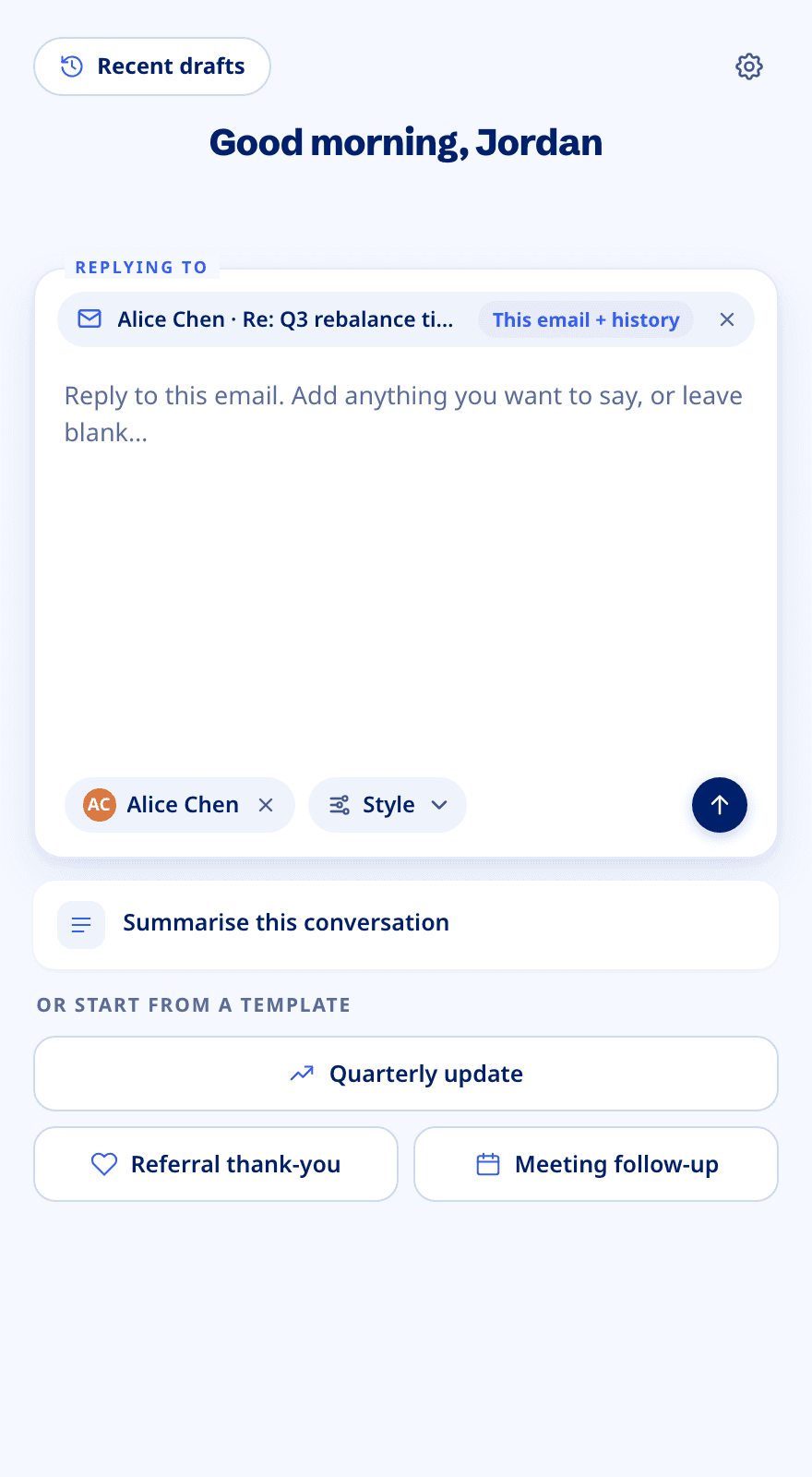
Saving, caching and speed
- ARecent drafts. Typing saves on the device; the server gets one revision per edit.
- BThis email + history. The conversation loads as the email opens.
- CClient chip. One CRM lookup once the advisor settles on an email.
- DSummarise. One summary per thread, kept on the device for 7 days.
Inside a shared platform
The add-in runs on services CogniCor’s other products depend on. The client’s household in the CRM links their records in the firm’s planning, portfolio and document tools. Every change I made stayed out of other products’ way.
Outlook
Office.js reads the email and opens Outlook’s reply.
Add-in pane
All newIdentity and licensing
ChangedWho can use which module
Integration service
ChangedSign-in, CRM, mail and drafts
Client-data index
ConnectedEach household’s data, indexed
AI gateway
ConnectedAI requests and client context
AI writing service
ChangedSummarise, draft, rewrite
Microsoft sign-in
The advisor’s work account
Microsoft Graph
Threads and reply drafts
CRMHousehold
The household of record
Financial planning
Portfolio management
Document storage
In Outlook
Add-in pane
All newCogniCor platform · shared with other products
Identity and licensing
ChangedWho can use which module
Integration service
ChangedSign-in, CRM, mail and drafts
Client-data index
ConnectedEach household’s data, indexed
AI gateway
ConnectedAI requests and client context
AI writing service
ChangedSummarise, draft, rewrite
Outside CogniCor
Microsoft
Microsoft sign-in
The advisor’s work account
Microsoft Graph
Threads and reply drafts
The firm’s tools, found by household
CRMHousehold
The household of record
Financial planning
Portfolio management
Document storage
Follow a reply
Caught before merge. An early change put the add-in’s lookup inside shared CRM code, where every scheduling webhook another product runs would have made two more CRM calls. I reverted it. After that, shared code only got hooks that do nothing for other products.
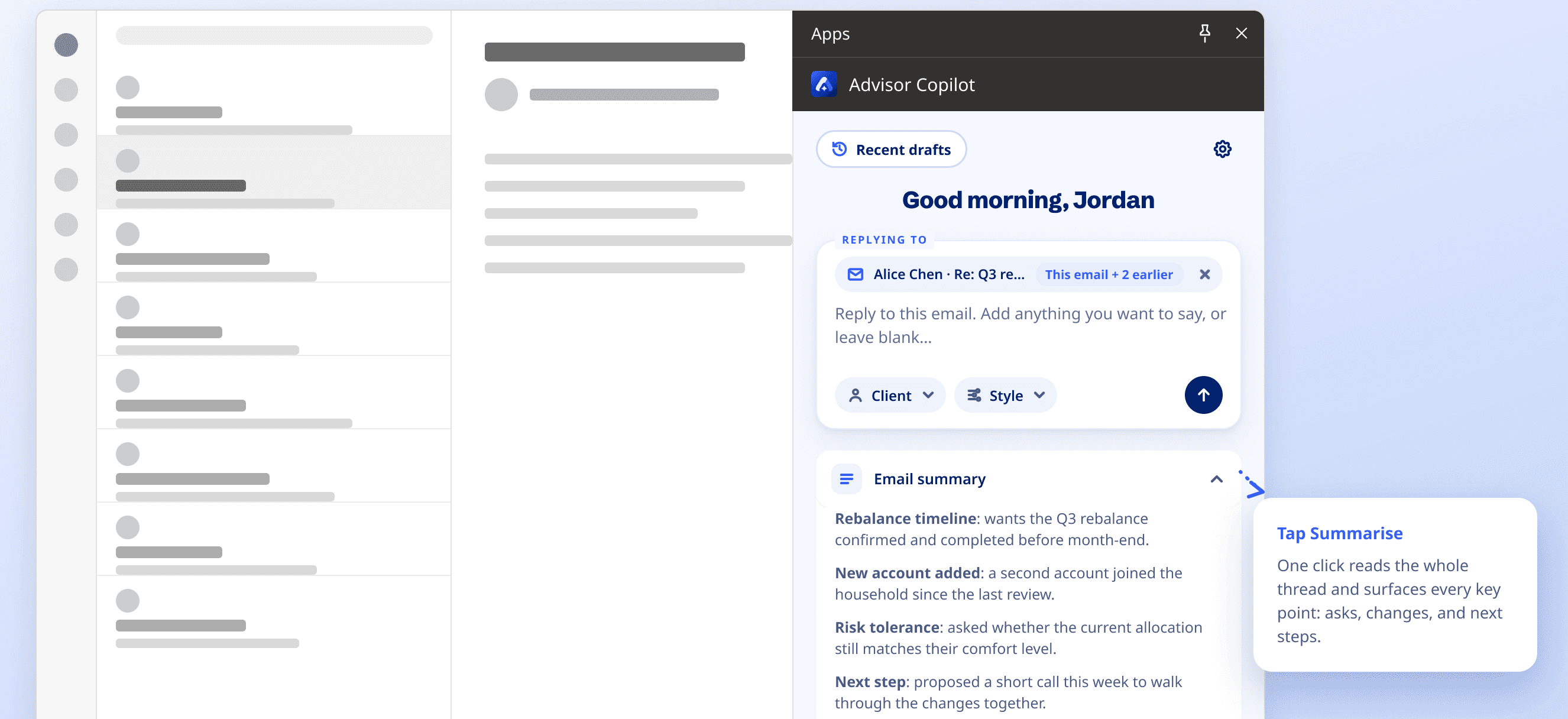
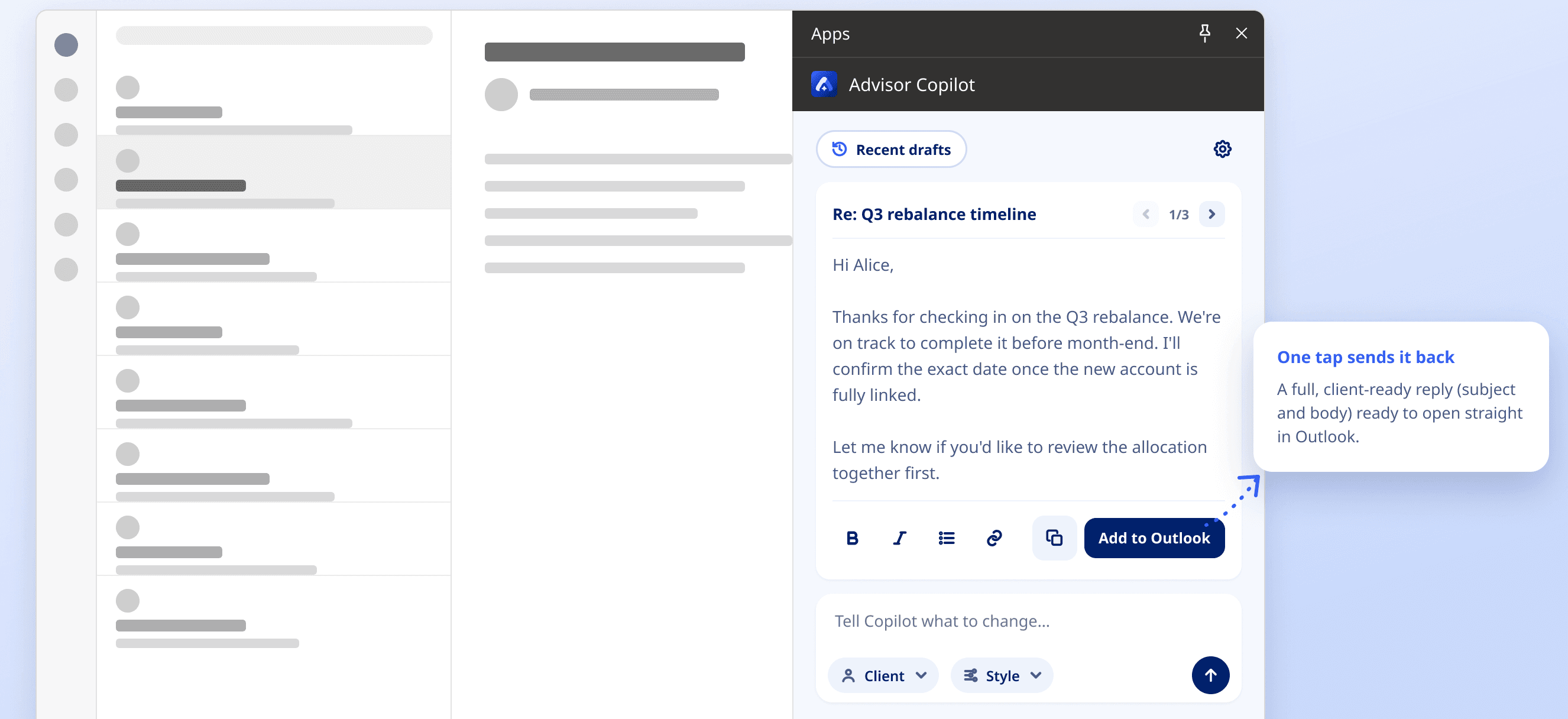
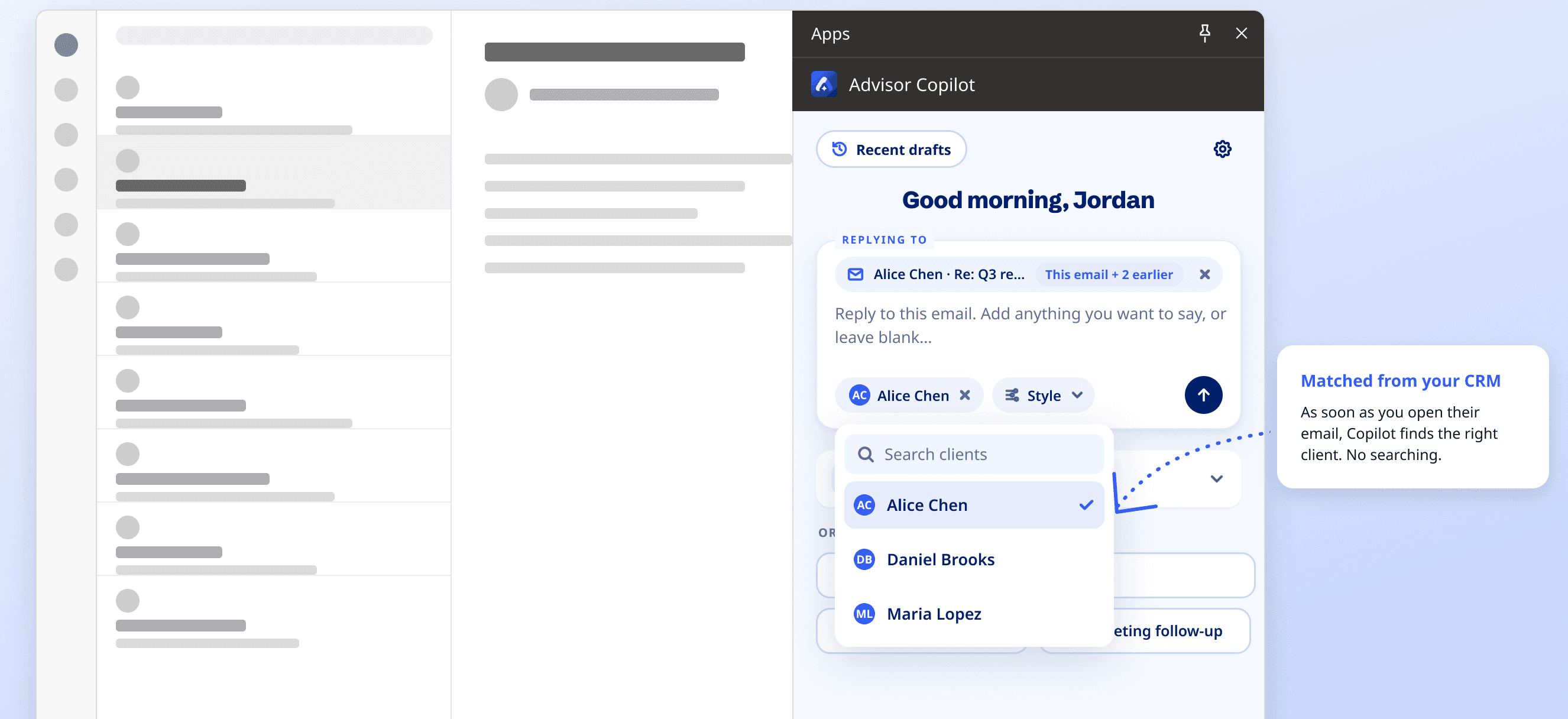
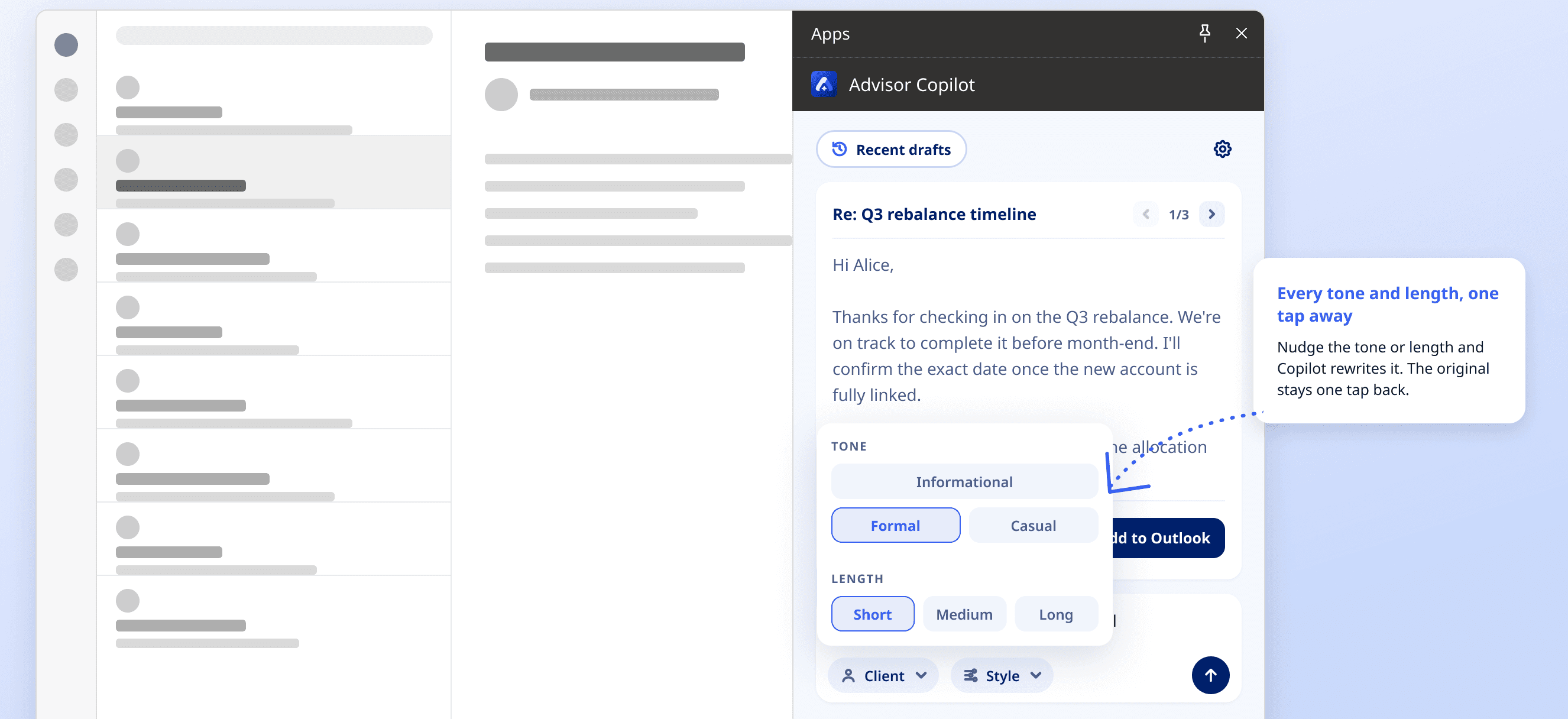
32 states, six screens
A side pane is almost always mid-task, so most of the design went into states: loading, the CRM dropping, no licence.
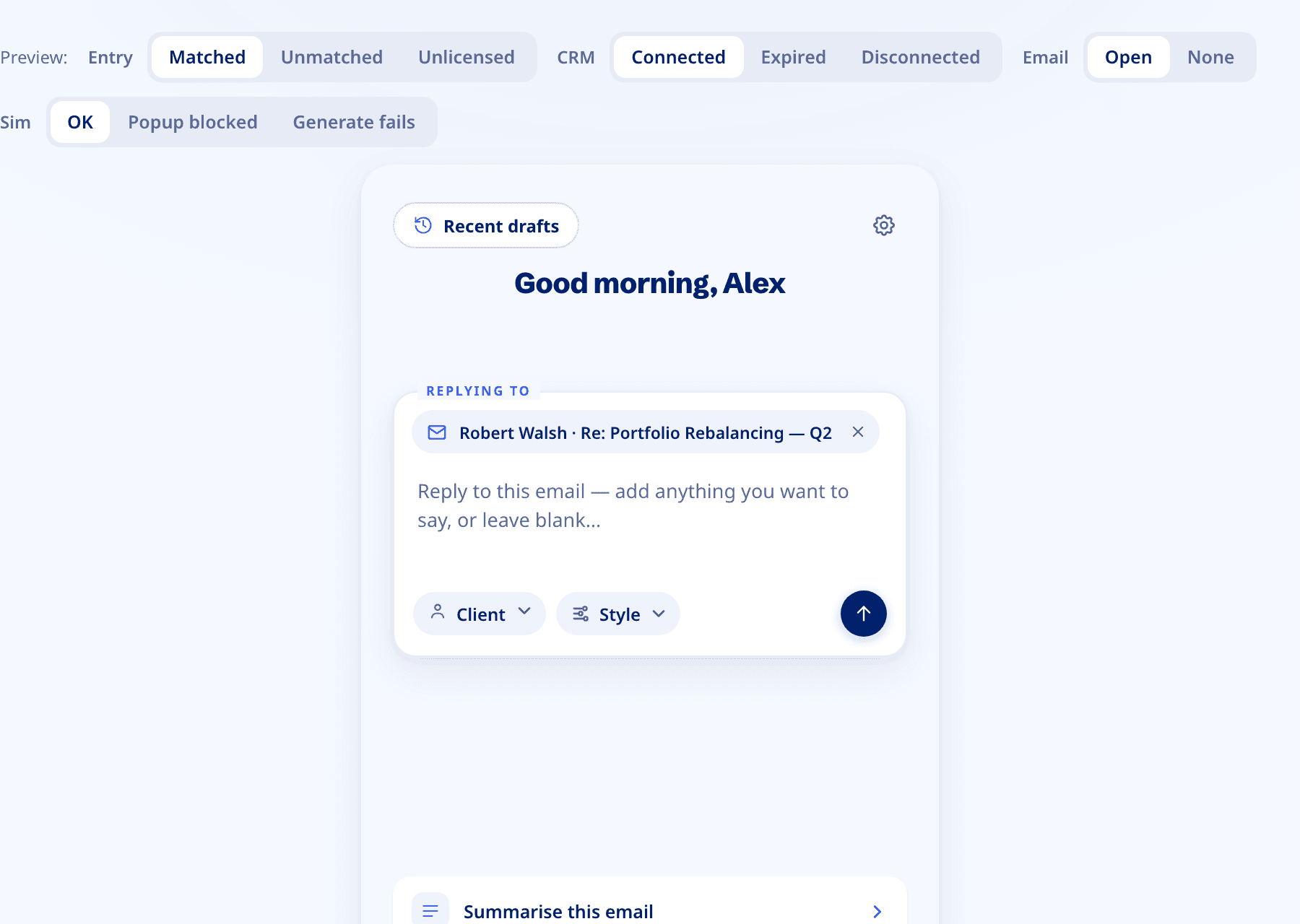
Home · 11 of 32 states
Dark mode that follows Outlook
Advisor Copilot had never had a dark theme. Outlook’s dark mode doesn’t reach add‑ins, so the pane detects it and switches itself: the same brand at lower saturation, with 51 colour tokens re‑tuned.
| Token | Light | Dark |
|---|---|---|
| Ink | #00206B | #DCE2ED |
| Accent | #355EF2 | #7C95E6 |
| Surface | #FFFFFF | #1A1E27 |
| Background | #F5F8FE | #12151C |
Certified by Microsoft
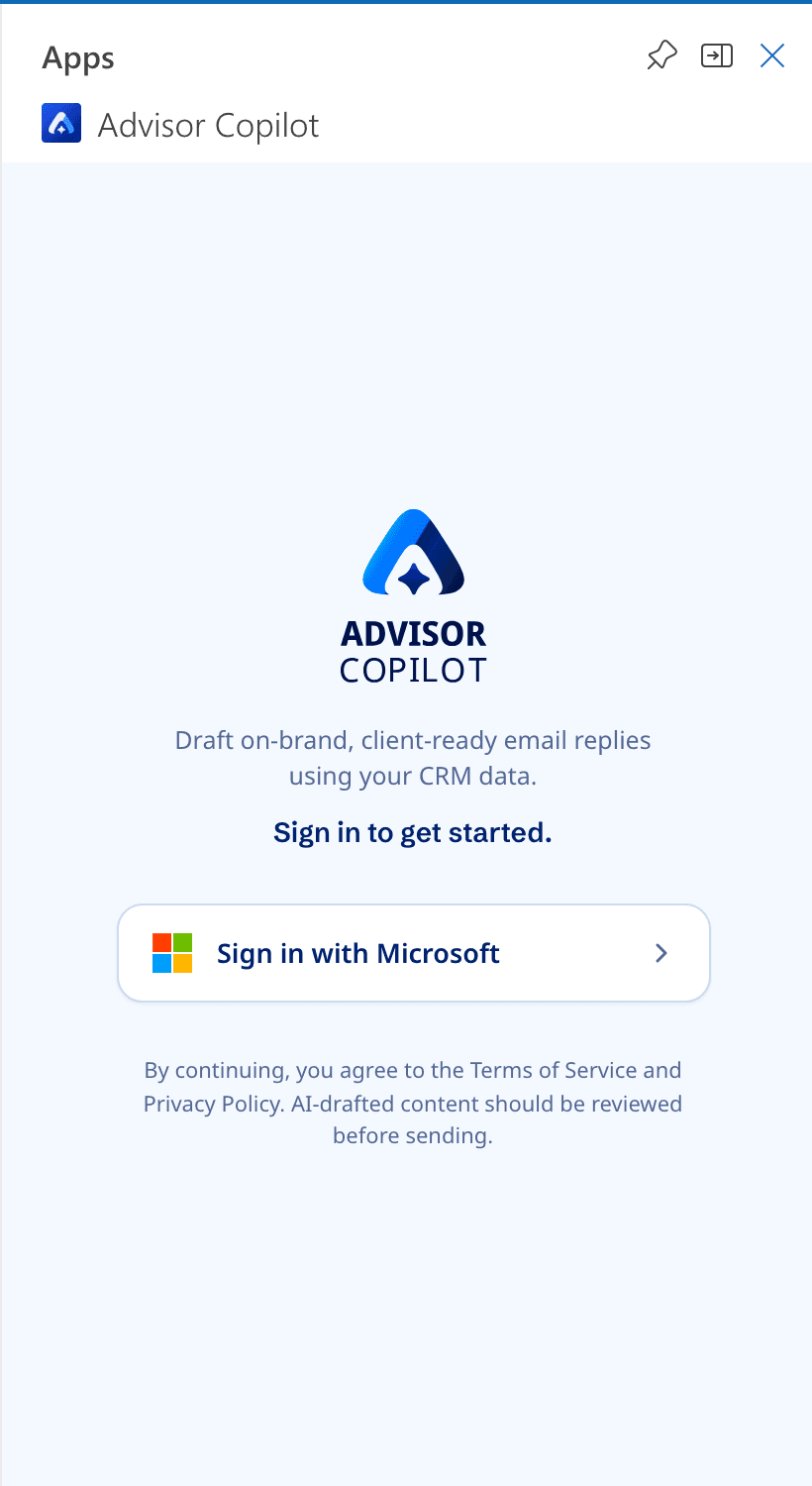
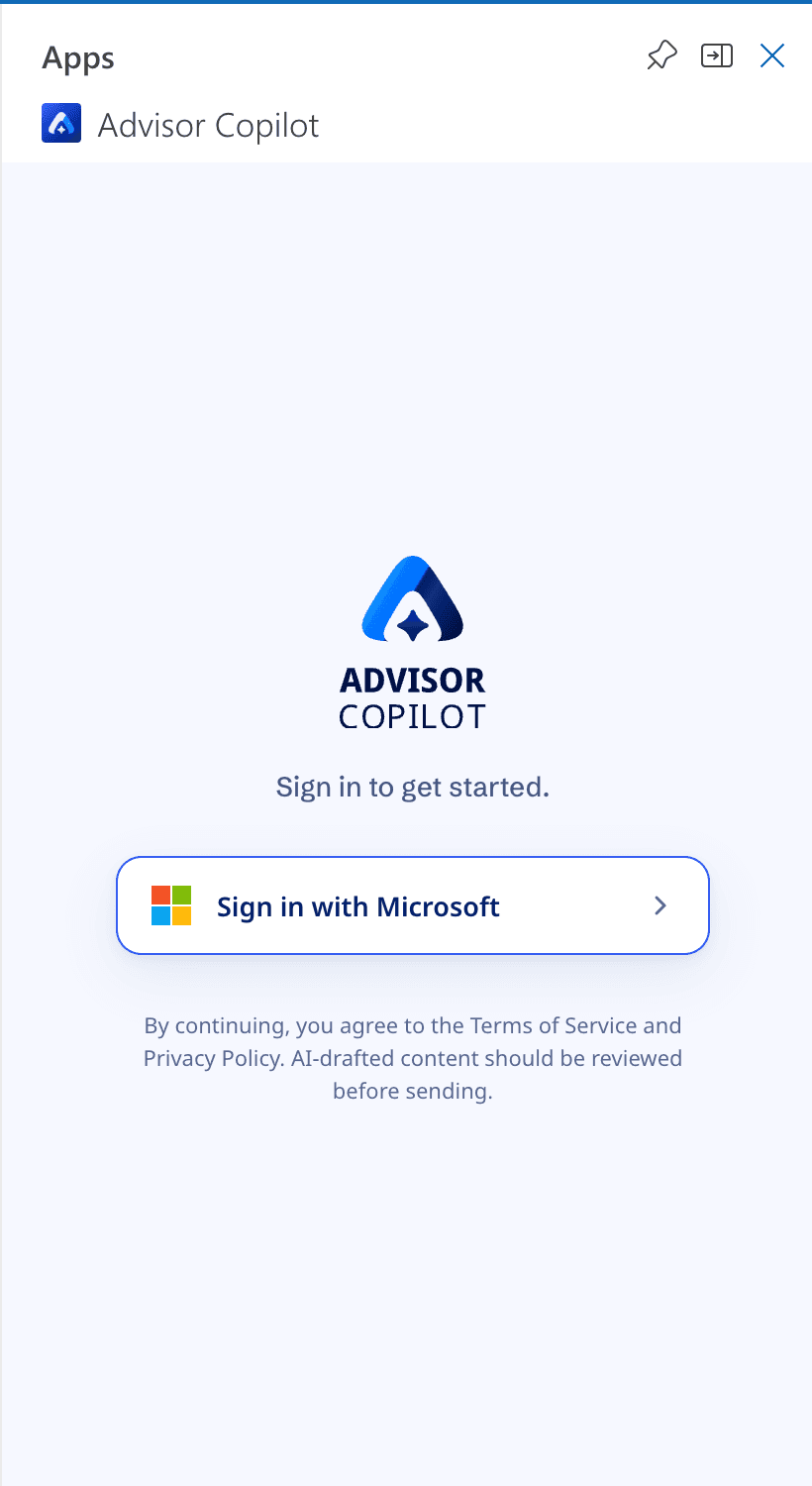
Microsoft’s certification flagged one screen: sign-in didn’t say what the add-in does. The next day I added one line saying it, quieter than the sign-in prompt. I also made the store listing images and the reviewer’s testing guide.
Live on Microsoft Marketplace
Opens the Microsoft Marketplace listing in a new tab.Advisors can now draft client replies in Outlook, without opening the CRM.
- 6 steps down to 2 for an AI reply.
- No wait before writing, down from 45 seconds to 2 minutes.
- 8 to 9 weeks from pitch to Marketplace.
- Microsoft’s one rejection, fixed the next day.
For CogniCor
A new R&D workflow
Work like this usually takes a PM to lead it, 3–4 developers and QA. I led it, designed and built it with Claude Code, and managed the QA team.
Usually
- A PM to lead it
- 3–4 developers
- A QA team
This project
- Me: led, designed and built it
- Claude Codewrote the code from my plans
- The QA team, managed by me
- Then developers and architects scale it.
- The CEO and PM were happy with one person owning it end to end, and CogniCor is building another product the same way.
- Summarise, first built for the add-in, is planned for use beyond it.
For me
Technical fix, UX fix, or both
Shipping it end to end made me a better product and systems thinker.
Before this project
- UX fixWhat advisors see and do
- Technical fix Not yet.
- Both Not yet.
Now
- UX fixWhat advisors see and do
- Technical fixHow the system behaves
- BothAnd I can tell which one a problem needs
Advisor Copilot for Outlook · CogniCor · 2026